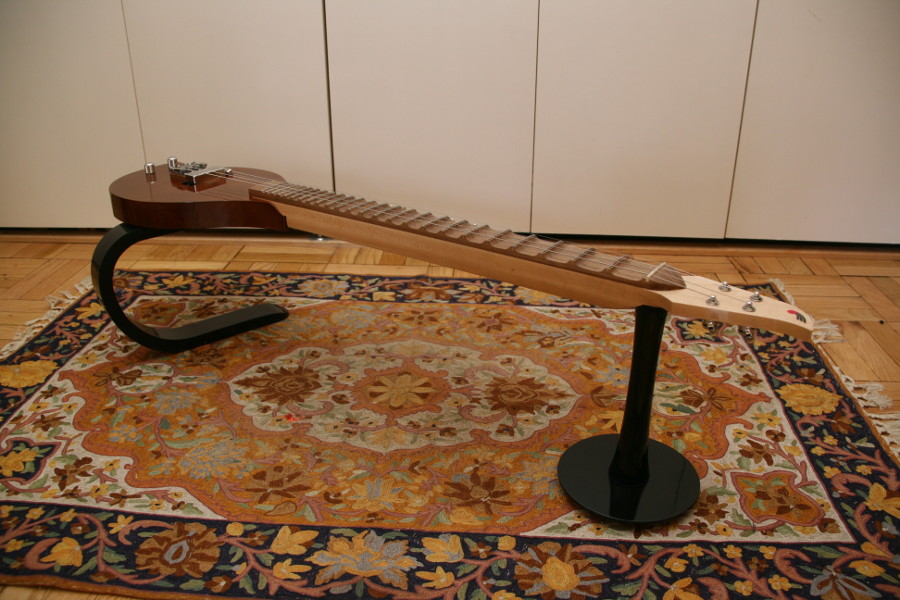
Neck
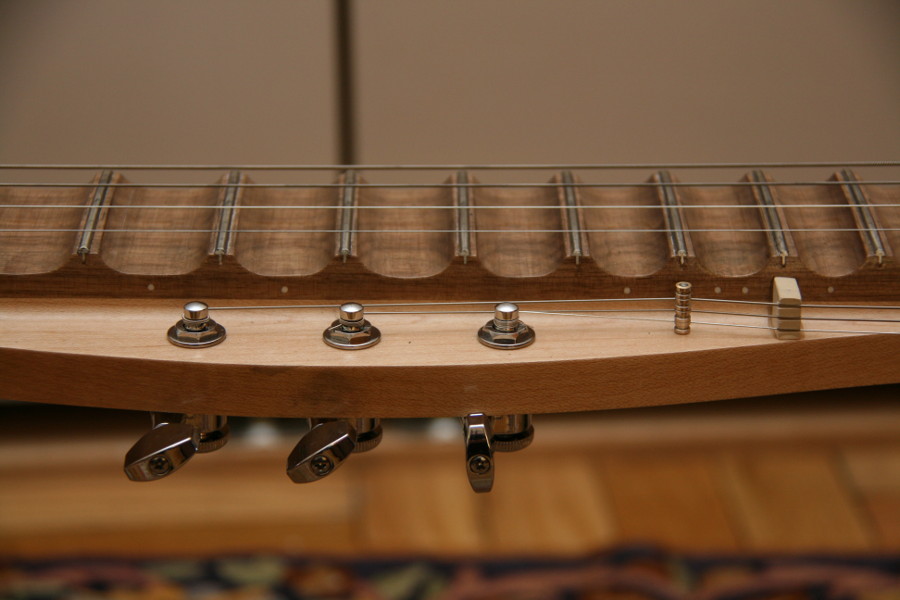
The neck is made from hard maple, with a scalloped walnut fretboard. A standard electric bass guitar truss rod adds stiffness. All three drone strings terminate at fret 12 and routed to tuners around a steel pin with rollers.
Bridge
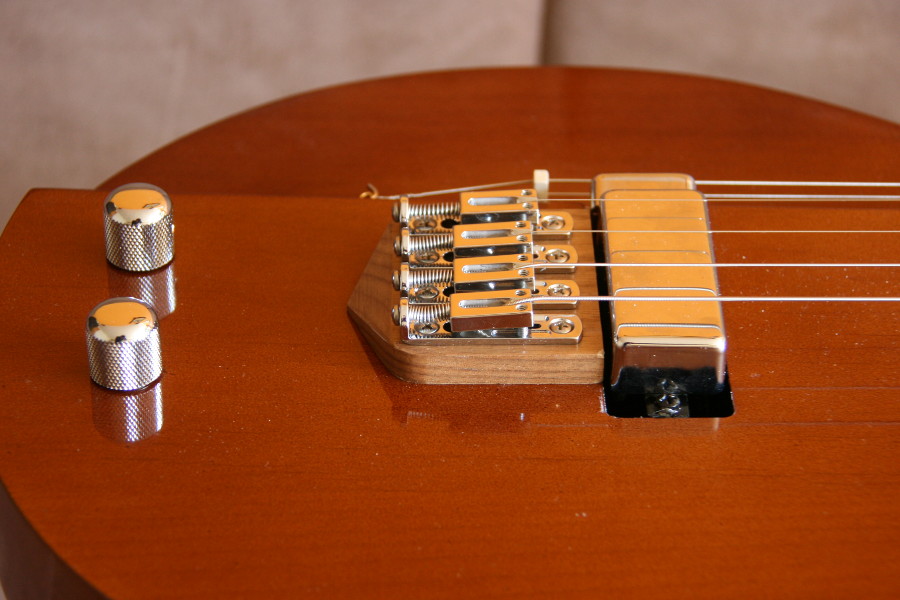
Single-string bridges allow for very precise intonation tuning by adjusting the height and scale of each string independently of others.
Supports
Supports are made from poplar and designed to mimic the feel of the Saraswati Veena’s body and neck support gourd without adding bulk. The curved piece is laminated from several pieces of wood for strength and is attached with two thumbscrews. The curve allows the performer to balance the instrument while playing, just like the Saraswati Veena.